
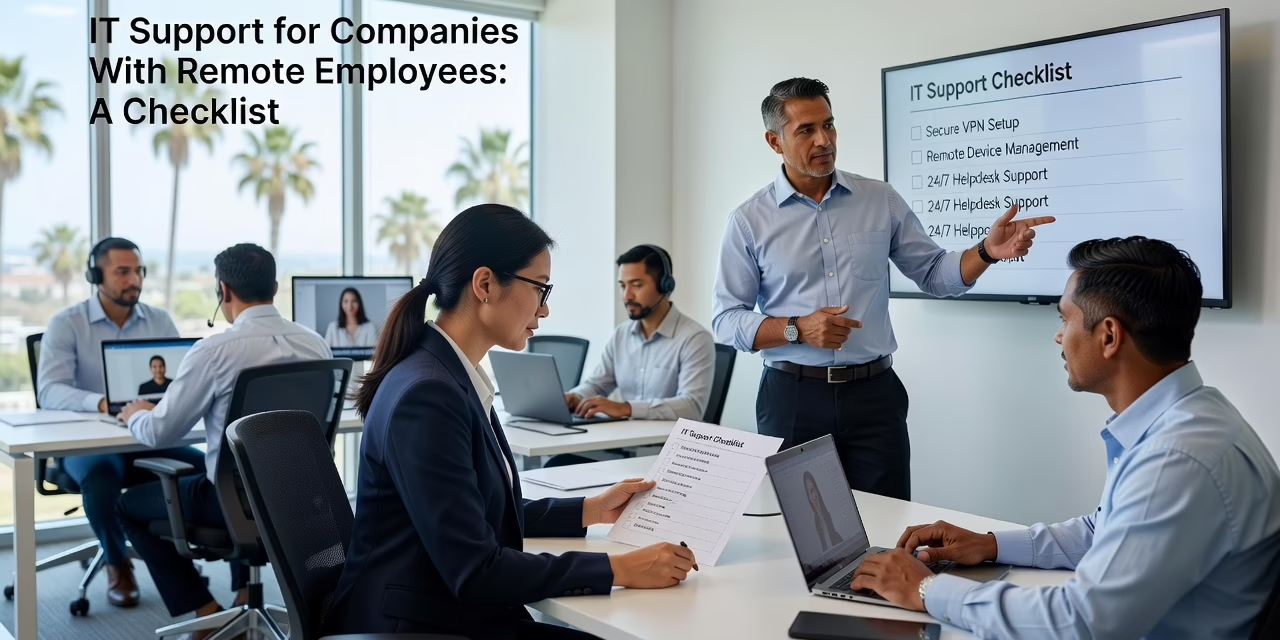
IT support for companies with remote employees has to work when nobody is down the hall to fix a laptop. That means reachable help desk staff, security settings that are enforced rather than suggested, and a clear answer to who handles what. This guide covers what remote IT support should include, where it usually breaks down, and how to decide what your team needs.
Key Takeaways
- Remote IT support should cover five areas: help desk access, device management, account security, data backup, and outage planning.
- Multi-factor authentication (MFA) only protects accounts when every user is required to use it. Turning it on for the organization is not enough.
- Most remote problems come from unclear ownership, such as who supports home internet, who retrieves a laptop, or who removes access when someone leaves.
- Choose a support model by asking how fast a remote employee gets help and who is accountable when something fails.
What IT Support for Companies With Remote Employees Should Include
Good remote support covers five things: a help desk people can actually reach, managed devices, enforced account security, tested backups, and a plan for outages. If one is missing, the gap tends to show up on a busy Monday.
- Help desk access. Employees should know how to reach support by phone, email, or chat, and what response time to expect. A remote worker who cannot sign in to Microsoft 365 cannot do anything else either.
- Device management. Someone should keep laptops patched and track which devices hold company data. Recent cybersecurity guidance keeps returning to software updates for this reason. Delayed updates leave known weaknesses open.
- Account security. MFA should be required for email and business applications. Employees also need to recognize phishing by email, text, and phone, because scams now arrive through all three.
- Backup and recovery. Data in Microsoft 365 and other cloud applications still needs a continuity plan. Home-office laptops should not be the only place important files live.
- Outage planning. Staff should know what to do if a critical application or the company’s internet service goes down.
Where Remote Support Usually Breaks Down
Remote support usually fails at the handoffs, not the technology. Nobody owns the gray areas, so problems sit until someone gets frustrated.
Consider a few ordinary situations.
An employee’s laptop stops syncing files on a Monday morning. The only person who knows the setup is an office manager who is also running payroll. The employee waits, then works from a personal device and emails files to themselves. The problem is solved for the day, but company data now sits somewhere nobody is watching.
Or an employee leaves. HR collects the badge, but nobody removes access to email, shared folders, and cloud applications for three weeks. Employee turnover is a real security risk for this reason. Remote staff make it worse because there is no physical moment when everything gets handed back.
A third version: the company turns on MFA and considers the job finished. Several people never complete the setup, and a few older accounts are exempt. A single stolen password on one of those accounts can still lead to a compromised mailbox.
The business consequences are plain. Staff lose hours waiting on help. Sensitive data ends up on unmanaged devices. The owner or an operations manager becomes the unofficial IT department. None of this shows up on an invoice, which is why it often goes unnoticed for a long time.
How to Decide What Kind of Remote Support You Need
Start by deciding what you expect support to cover, then check whether your current setup actually delivers it. Write the answers down before you talk to any provider.
A few questions help:
- How long does a remote employee wait for a response, and is that written anywhere?
- Who supports home internet and personal routers, and where does your support stop?
- Which devices are company-owned, and which are personal?
- Who approves access changes when someone changes roles or leaves?
- What is the escalation path when the first person cannot solve the problem?
If you cannot answer most of these, the issue is probably structure, not effort. Some teams fix it by assigning an internal owner and writing a short policy. Others find that one person cannot cover security, updates, and daily requests, and look at managed IT support for growing businesses to share the load. Either path works if responsibilities are written down and response expectations are clear.
FAQ
Q: What does IT support for remote employees usually cover? A: It typically covers help desk access, laptop and software updates, account security such as MFA, backups, and outage response. The company should define in advance whether home internet and personal devices are included.
Q: How do I keep company data safe when employees work from home? A: Require MFA, keep devices updated, limit access to what each role needs, and train staff to spot phishing by email, text, and phone. Remove access promptly when someone leaves or changes roles.
Q: Is MFA enough to secure remote accounts? A: MFA helps a great deal, but only when it is enforced for every user. Software updates, employee awareness, and access reviews still matter.
Q: What should remote employees do during a technology outage? A: They should know who to contact, how to reach them without the affected system, and which tasks can continue offline. A short written outage plan shared in advance prevents confusion.
What This Means for Your Business
Remote work does not require a bigger IT budget as much as clearer ownership. Decide what support covers, enforce your security settings, and make sure offboarding and outage steps are written down before you need them. Those habits cut down on lost time and on data sitting where nobody can see it.
If you are not sure where your current support has gaps, SwiftTech Solutions can walk through your setup with you and point out what needs attention first.