
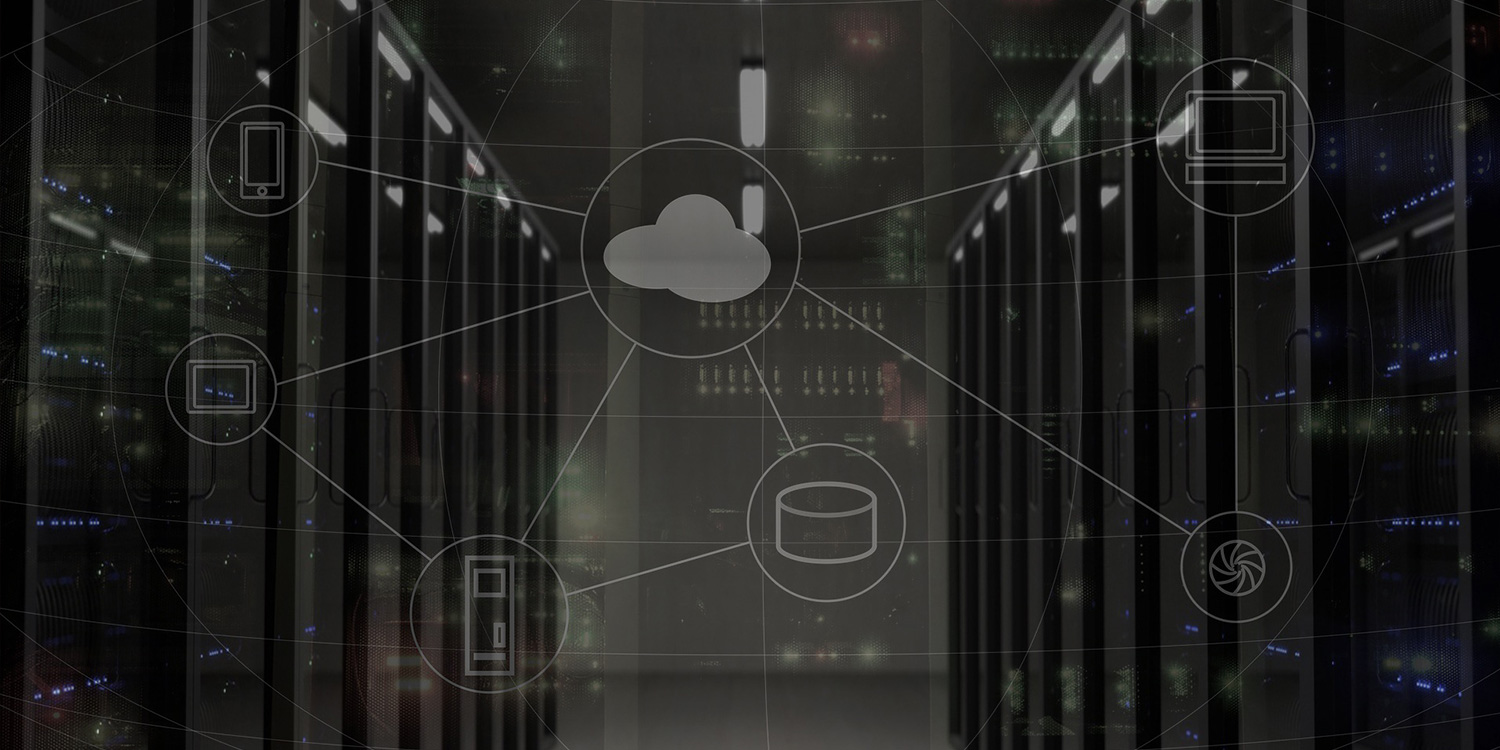
You may have heard the buzzword “virtualization,” but you may not be familiar with it. Virtualization is the creation of virtual computing resources, such as desktops, operating systems, servers, storage devices, or software.
Why should my business virtualize its IT systems?
- Better customer service: Virtualization will help you reduce planned and unplanned downtime. When this happens, you will automatically switch over to a backup server. Also, the server will include a snapshot of a time when it was working. These snapshots will enable your employees to be up and running on their devices within minutes, rather than hours. Most importantly, your customers will be less likely to visit a downed website and leave it to your competitors.
- Reduced expenses: Virtualizing your IT systems will enable your IT department to consolidate data on fewer servers. Having fewer hardware units to maintain will mean fewer licenses to purchase, reduced use of facility space, lower power bills, and shorter work hours. Plus, a virtualized environment will leave you less tied to a single vendor, allowing you to purchase lower-cost hardware and not necessarily need to have identical hardware on hand. The savings from virtualizing your business technology systems can be allocated to other business goals or reinvested in more competitive technologies.
- More flexible working environment: Traditional technology systems only allow you to run one operating system on a single computer. Imagine running multiple operating systems, such as Windows and macOS, on a single computer. You can do this by using different virtualized desktops on a single piece of hardware. This is useful when you need to use legacy applications that are not compatible with a single operating system. You can now use these applications on your primary computer and retire that outdated machine.
- Increased monitoring of the IT environment: Device consolidation reduces the complexity of the technology infrastructure, lowering security risk. Within the virtual environment, IT admins can deploy custom security settings for each VM user so only authorized users can access sensitive company information. If a virtual machine becomes infected with malware, you can isolate the affected device to prevent it from spreading to the corporate network. Also, IT admins can roll back the infected device to the latest “secure” state before the attack.
Keep in mind that implementing a virtualized technology environment is not a one-size-fits-all solution. You will need to determine the right mix of hardware, software, server platform, network, processor, and infrastructure. SwiftTech Solutions can help you develop a virtualization technology plan that meets your company’s requirements and budget. You can call 877-794-3811 or email info@swifttechsolutions.com for a free consultation.
SOURCES
AMD. Business and Financial Benefits of Virtualization. (2011). Retrieved from http://www.amd.com/Documents/Business_and_Financial_Benefits_of_Server_Virtualization_FINAL.pdf
ITBusinessEdge. 10 Ways Virtualization Can Help Your Business. Retrieved from http://www.itbusinessedge.com/slideshows/show.aspx?c=78378
Top 10 benefits of server virtualization. Retrieved from https://virtualizationreview.com/articles/2011/06/20/top-10-benefits-of-server-virtualization.aspx
Clancy, H. (2011). 4 reasons “virtualization” saves money. Retrieved from http://www.microsoft.com/
Waters, J. (2013). Virtualization Definition and Solutions. Retrieved from http://www.cio.com/article/40701/Virtualization_Definition_and_Solutions
Burger, T. (2012, March 5). The Advantages of Using Virtualization Technology in the Enterprise. Retrieved from http://software.intel.com/en-us/articles/the-advantages-of-using-virtualization-technology-in-the-enterprise
ViewSonic. (2012). The Business Benefits of Virtualization. Retrieved from http://www.viewsonic.com/us/news/solutions/the-business-benefits-of-virtualization/
Advanced Micro Devices, Inc. (2012). Business & Financial Aspects of Server Virtualization. Retrieved from http://www.amd.com/us/Documents/Business-and-Financial-Benefits-of-Server-Virtualization.pdf
Vincenti, B. (2010, December 24). 5 Benefits of switching to Virtualization Technology. Retrieved from http://www.gfi.com/blog/5-benefits-switching-virtualization-technology/
InfoSec Institute. Virtualization Security. Retrieved from http://resources.infosecinstitute.com/virtualization-security-2/
Mortleman, J. (2009, March). Virtualisation: security benefits. Retrieved from http://www.computerweekly.com/feature/Virtualisation-security-benefit